Model
Prompt0/2000
Aspect Ratio
Resolution
Free Text to Image AI Generator
Ready
All-in-One Text to Image AI Generator
Create professional images from text in one place using the image models, ratios, resolutions, credits, and history already built into 1008.ai.








Save Time
Start from prompt blueprints built for common image workflows.
Stay Consistent
Keep characters, styles, and layouts aligned across every generation.
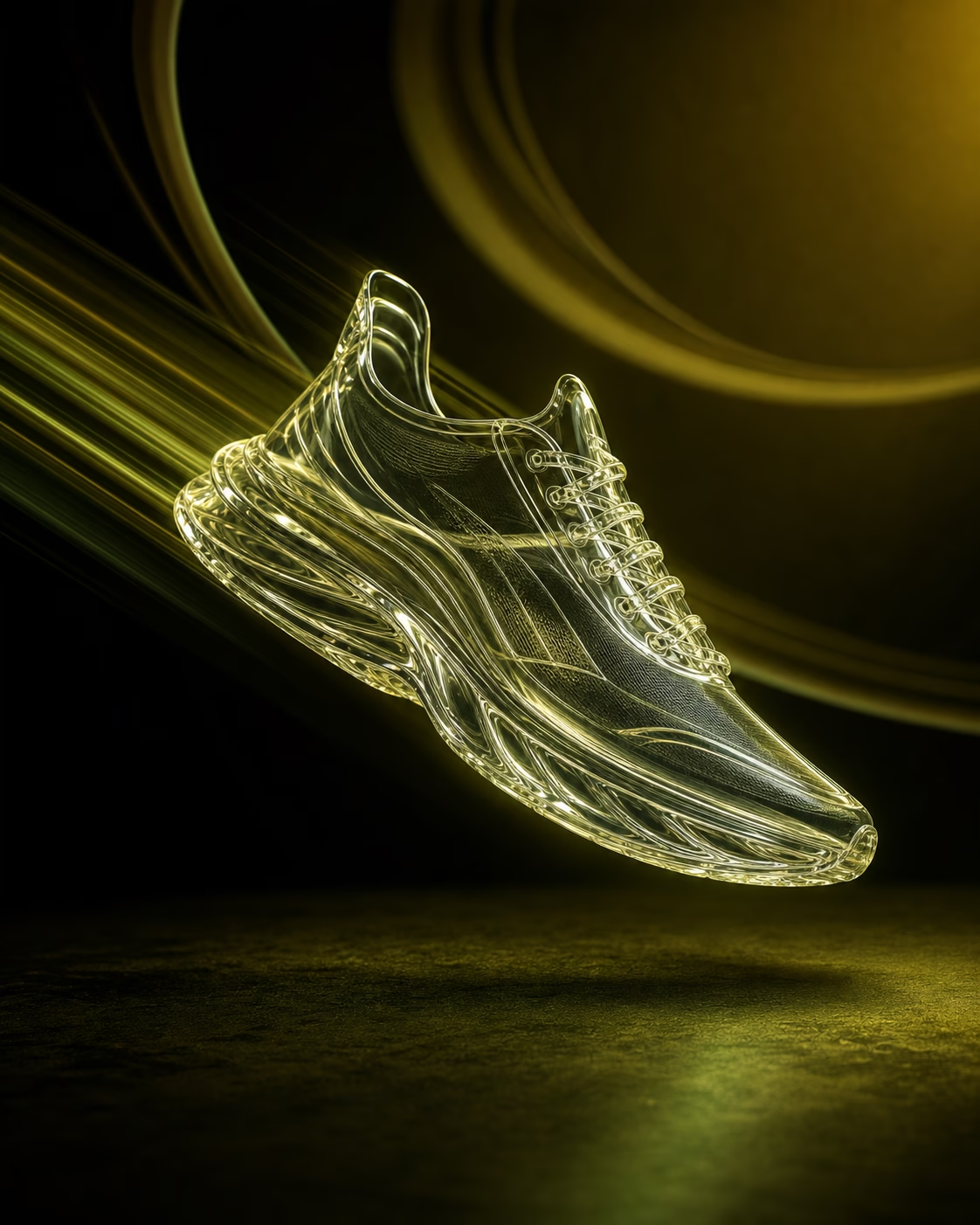
Go Further
Refine strong first drafts into polished visuals with model and ratio control.
Skip the trial and error. Prompt blueprints give you a structured starting point, saving time and keeping text-to-image outputs consistent, polished, and on-brand.
AI picture generator: turn text prompts into custom images
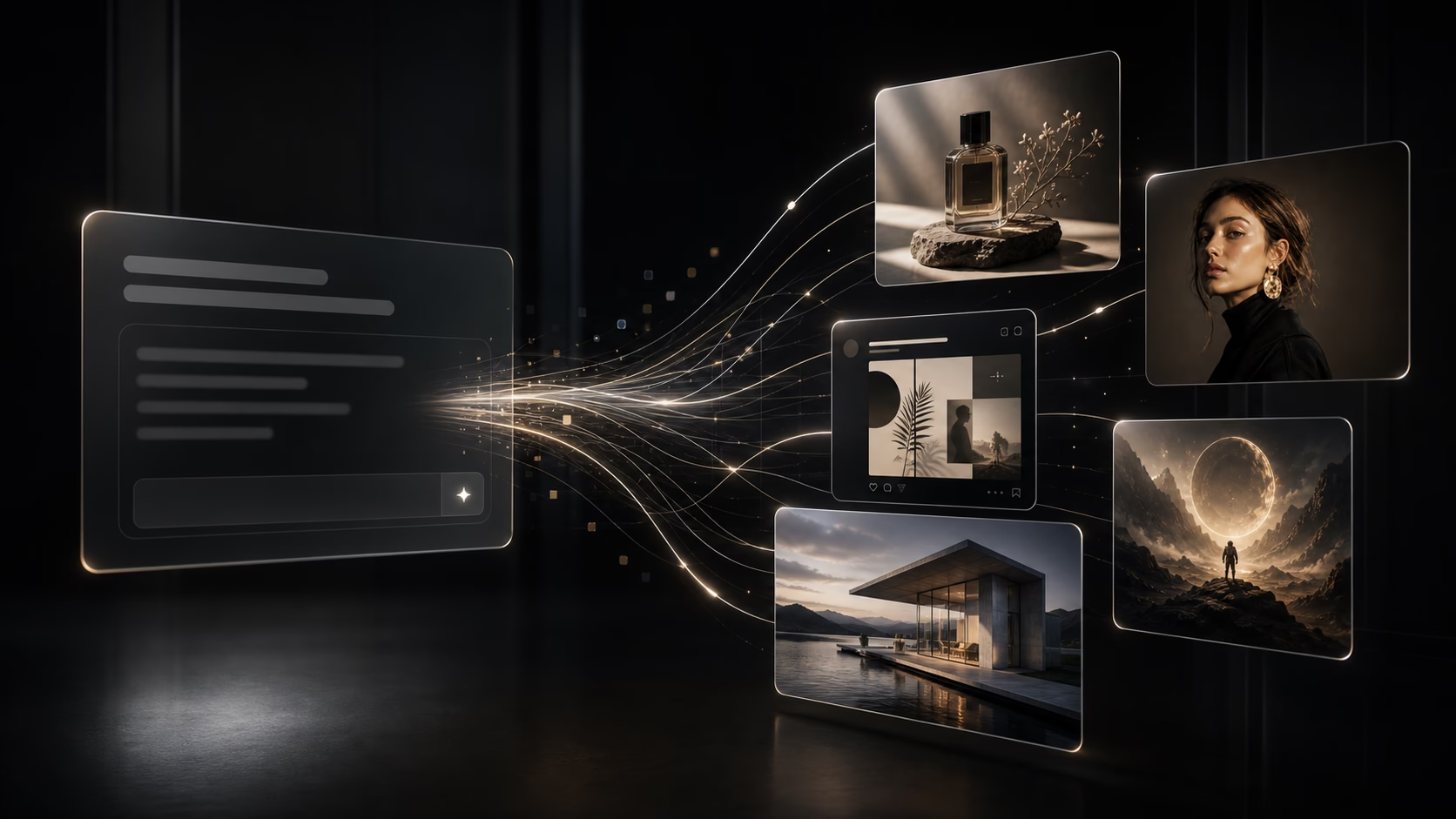
Tired of searching through stock photos that do not match your idea? 1008.ai turns text prompts into custom visuals. Describe the scene, choose an image model, set the ratio and resolution, then generate polished images for campaigns, social posts, product concepts, portraits, and creative tests.
Use the same workflow to explore different visual directions without leaving the page. Start with a prompt, compare models, keep generations in history, and refine your next image with clearer text-to-image instructions. No design skills needed.
Generate AI images from text prompts
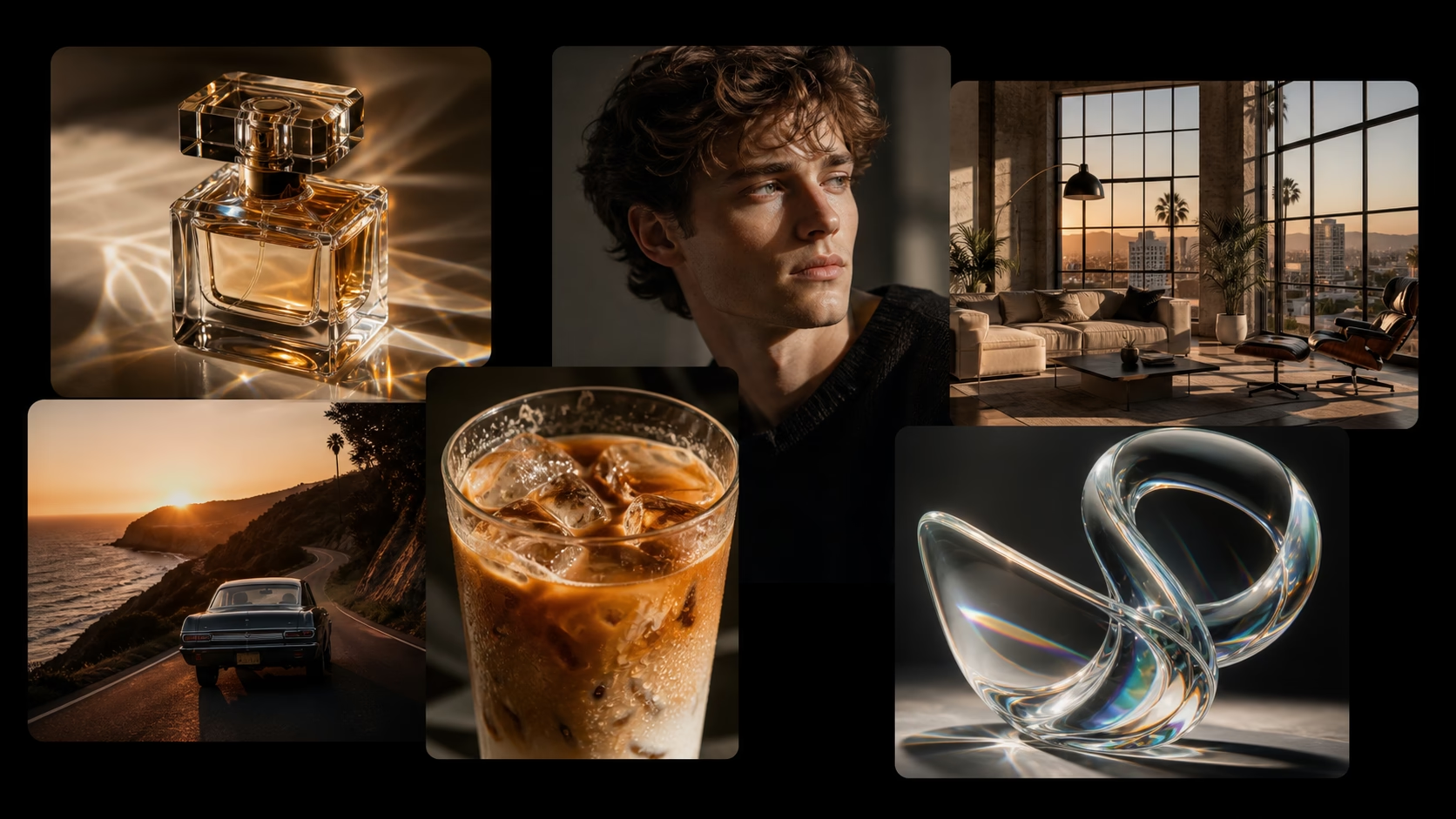
Use 1008.ai as a text-to-image AI generator for product photos, portraits, social posts, concept art, and marketing visuals. Type what you want, choose a model, and create images in seconds.
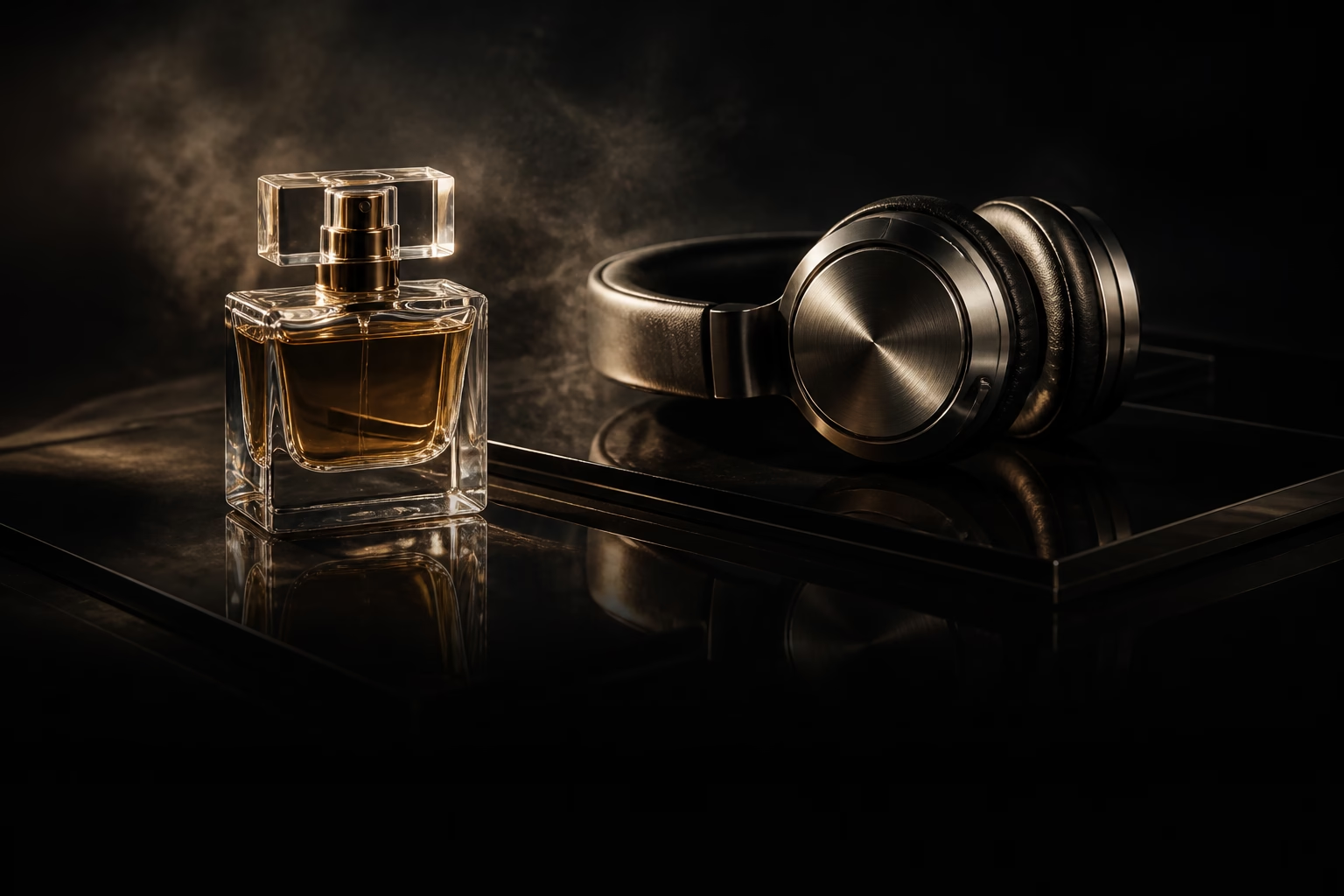
Product Photos
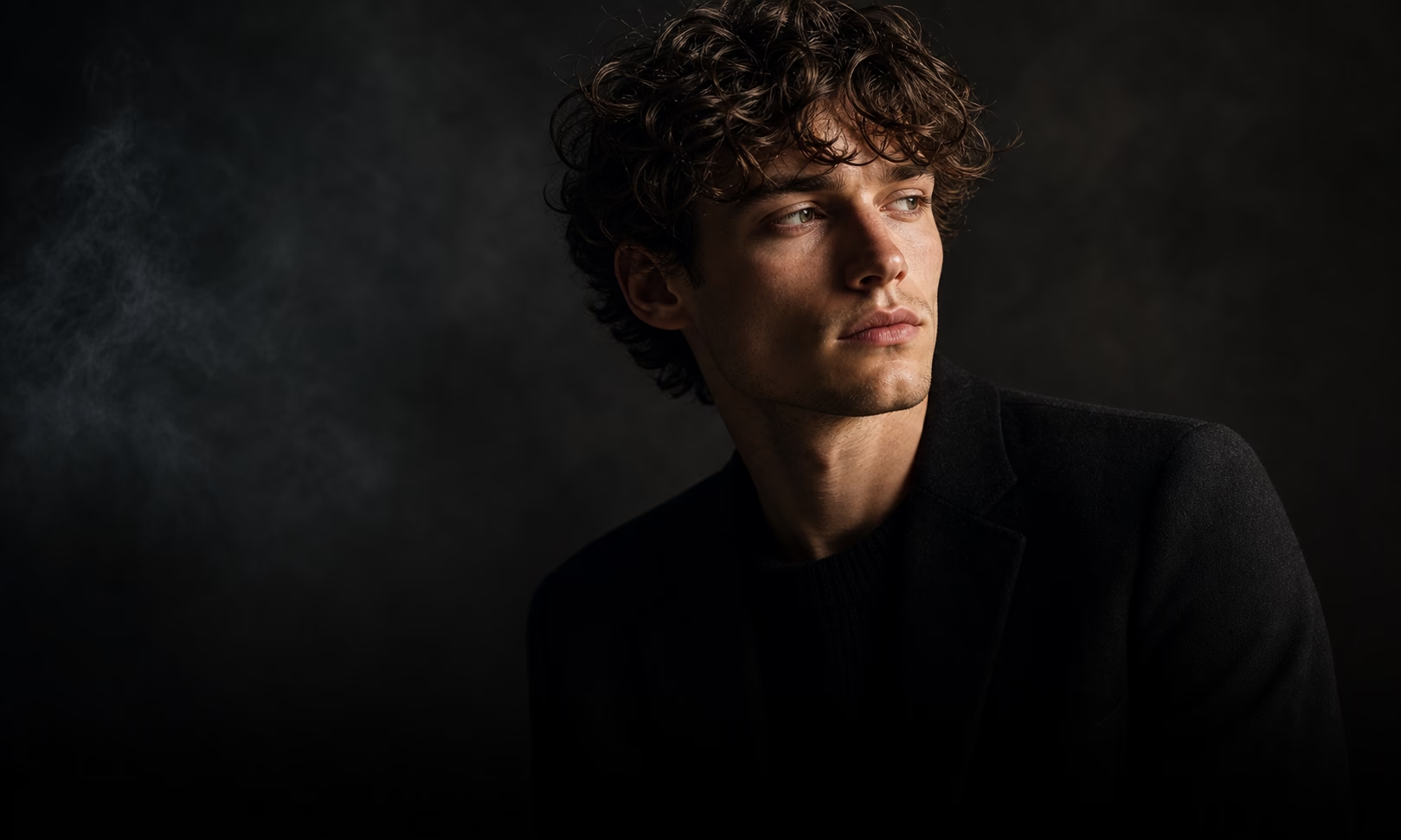
Portraits & Characters
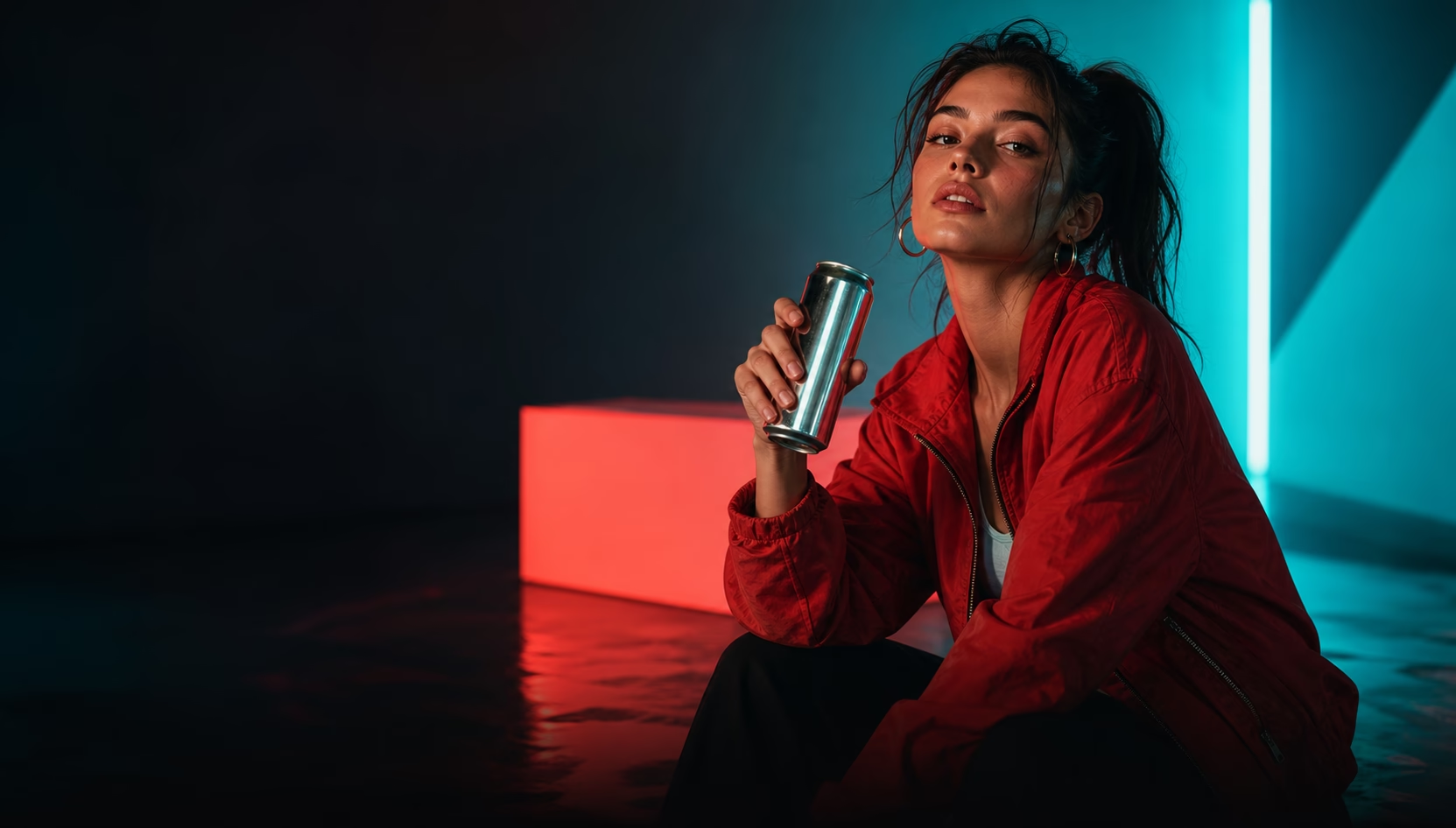
Social Media Graphics
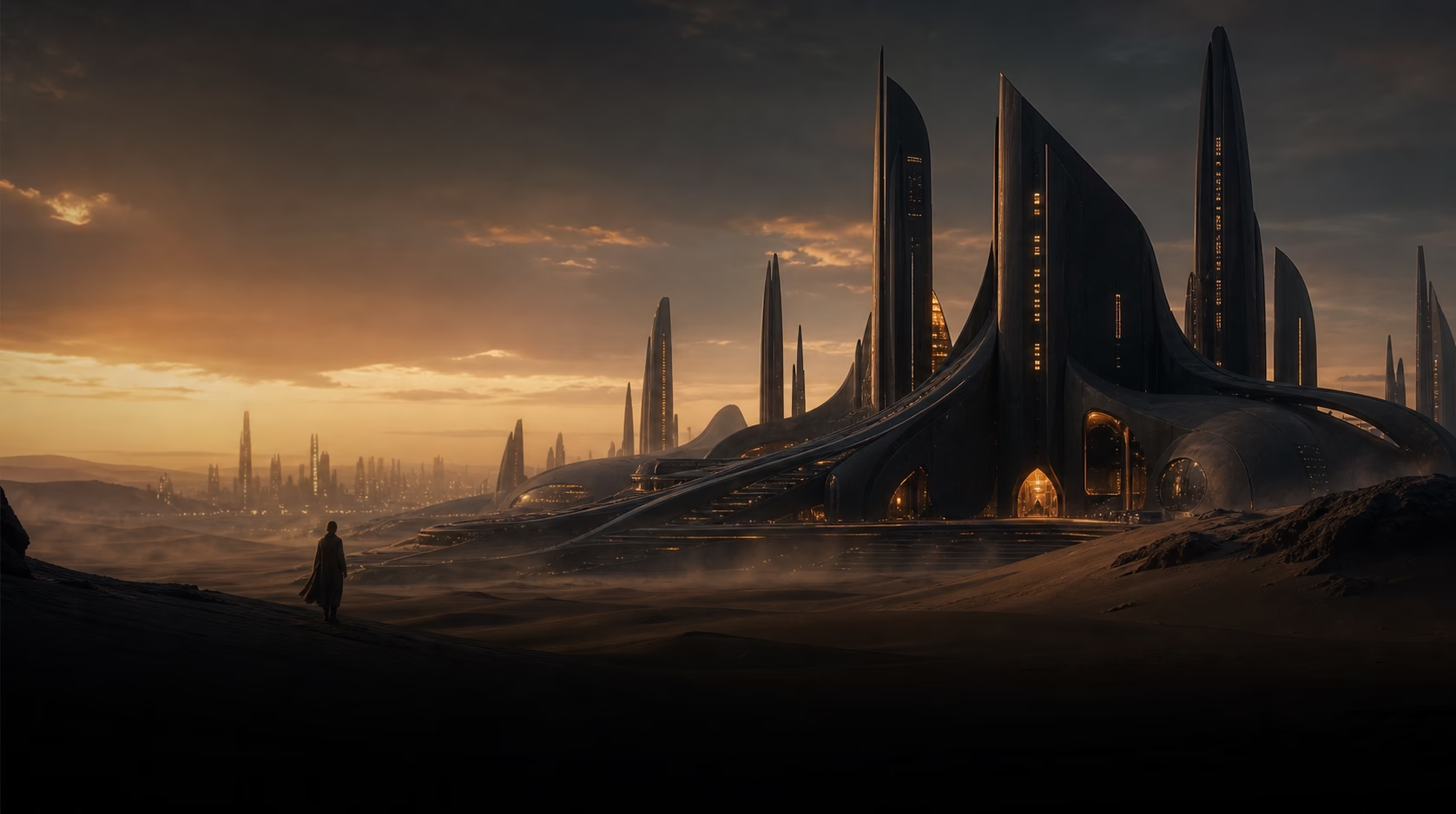
Concept Art
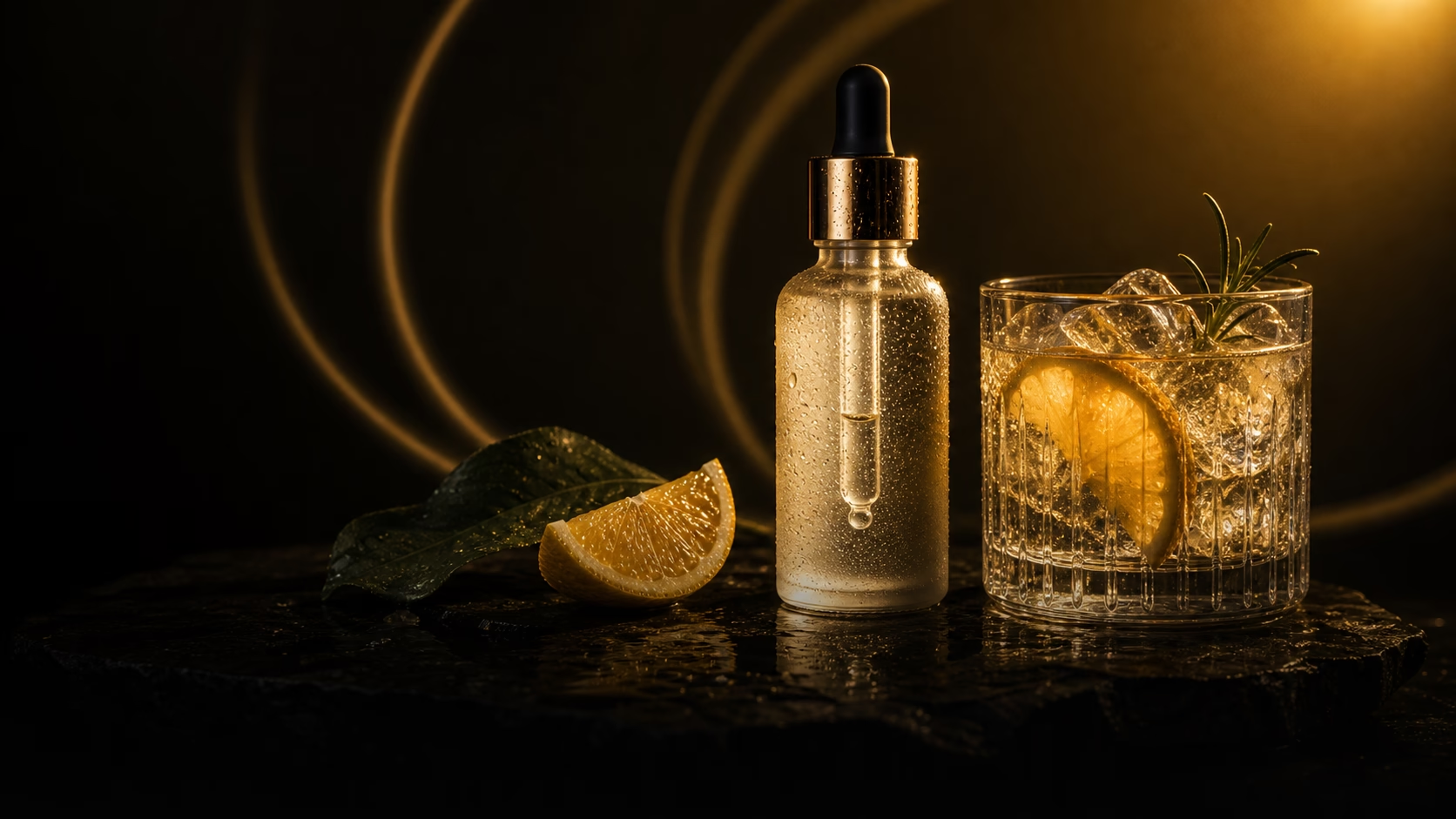
Marketing Visuals
How to Generate AI Images from Text
Choose Image Model
Pick 1008 Pro or another image model that fits the style, detail level, ratio, and resolution you want.
Write Text Prompt
Describe the subject, scene, lighting, composition, and visual style. This page turns text directly into images.
Generate & Refine
Create your image, review the result in history, then adjust the prompt, model, ratio, or resolution for the next version.
FAQ