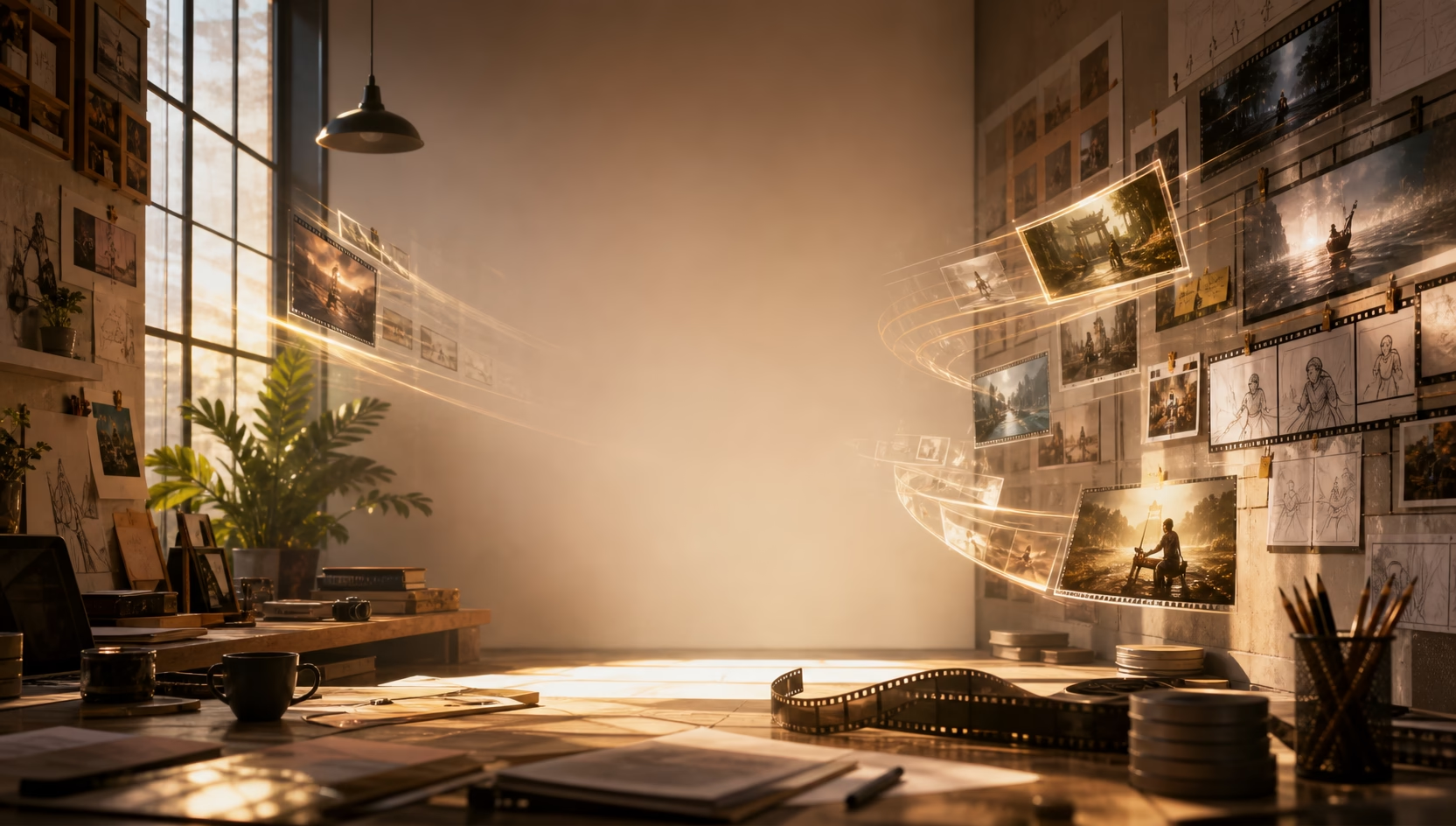
An image to video AI generator turns a still image or photo into a moving video clip. The uploaded image acts as the visual anchor while AI adds motion, camera movement, and scene detail.
Model
Reference Images0/2
Prompt0/2000
Aspect Ratio
Resolution
Free Image to Video AI Generator
Ready
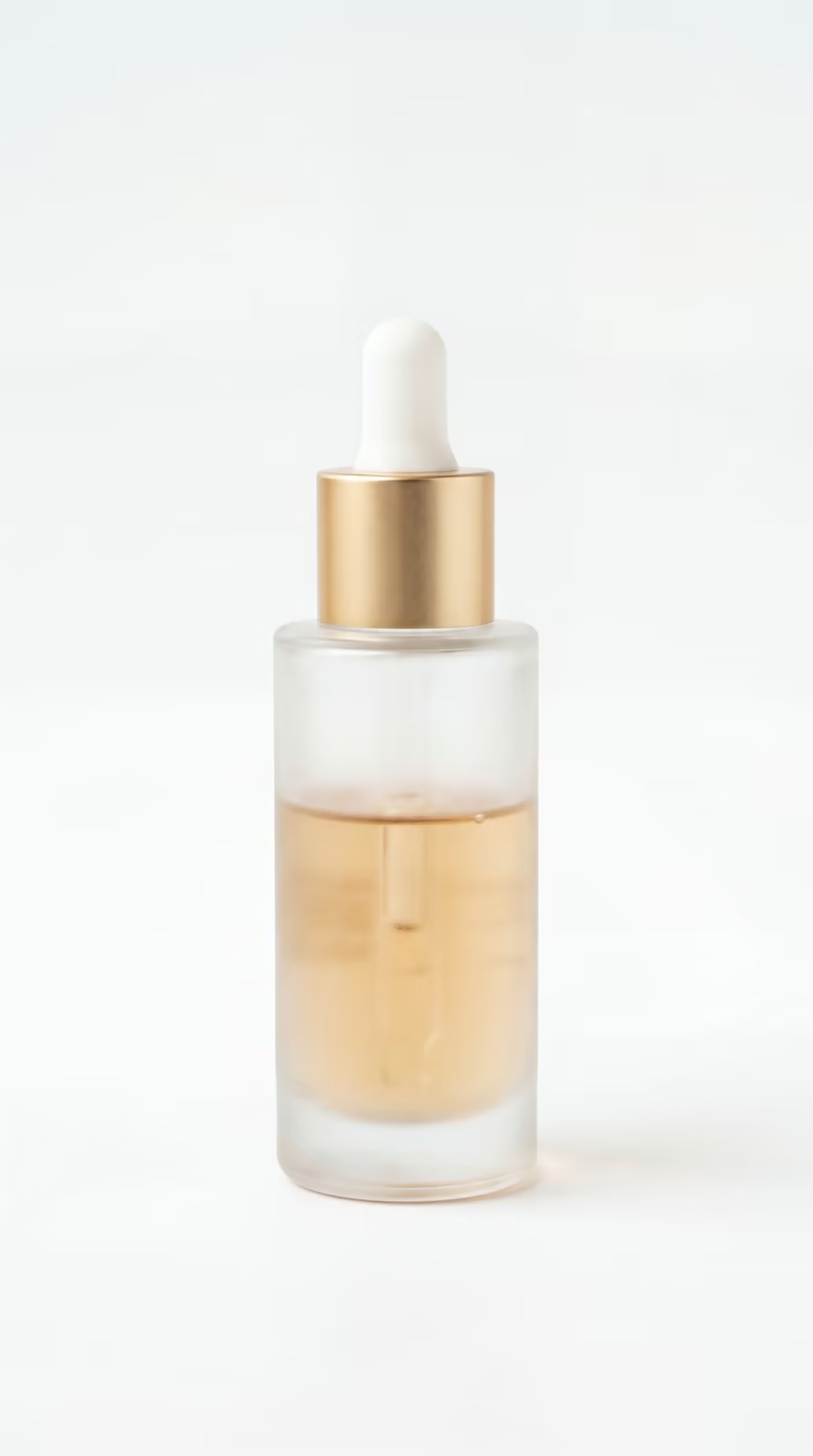
Motion directions
One still image, many video paths.
Key features
Image to video control that keeps the frame useful.
Image to video
Turn one image into controlled motion.
Upload a still image and guide it into cinematic motion while keeping the subject, style, and frame consistent.
- Subject stays readable
- Camera motion feels natural
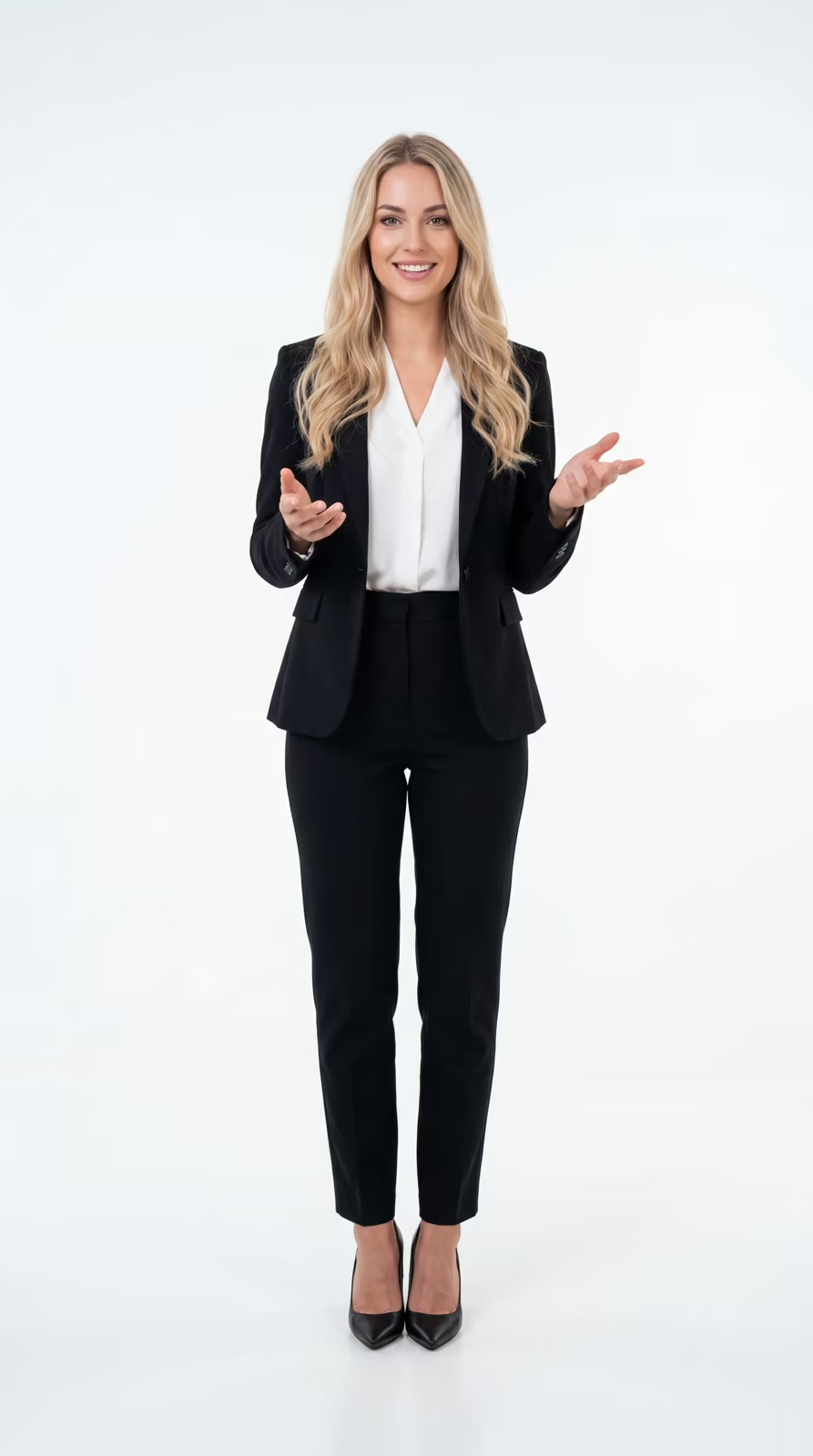
- Works for portraits and products
How It Works
- 01
Upload Your Image
Add a portrait, product, or scene image as the source frame.
- 02
Set Motion Style
Choose model, aspect ratio, resolution, and the video direction you want.
- 03
Generate & Refine
Preview the result, then adjust the image or settings until the motion feels right.
FAQ