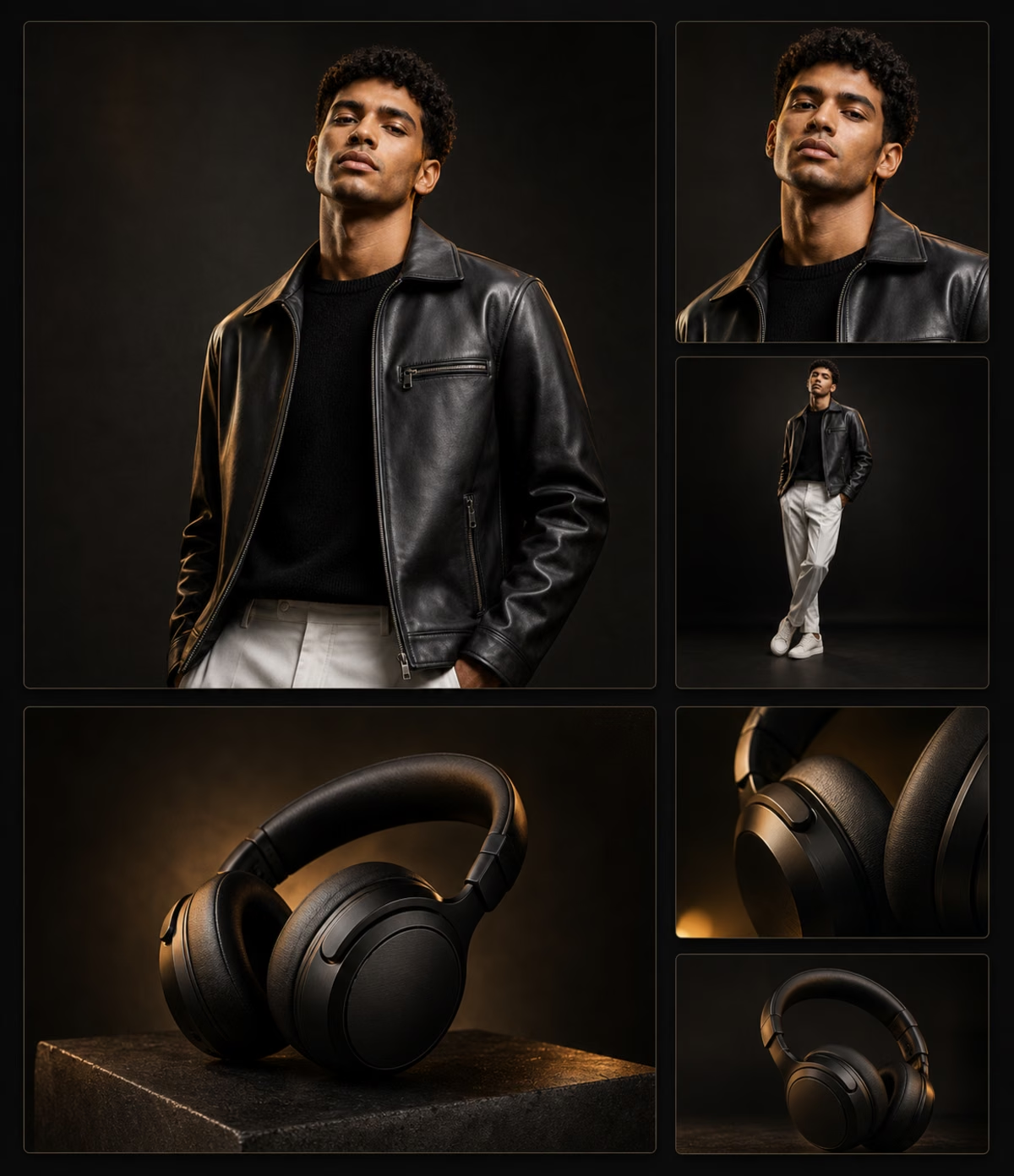
Create AI Photoshootsfor Products and PortraitsInstantly
Upload a subject photo or describe the scene, lighting, background, and camera style. 1008.ai creates polished photoshoot visuals for portraits, products, ecommerce, and social content.
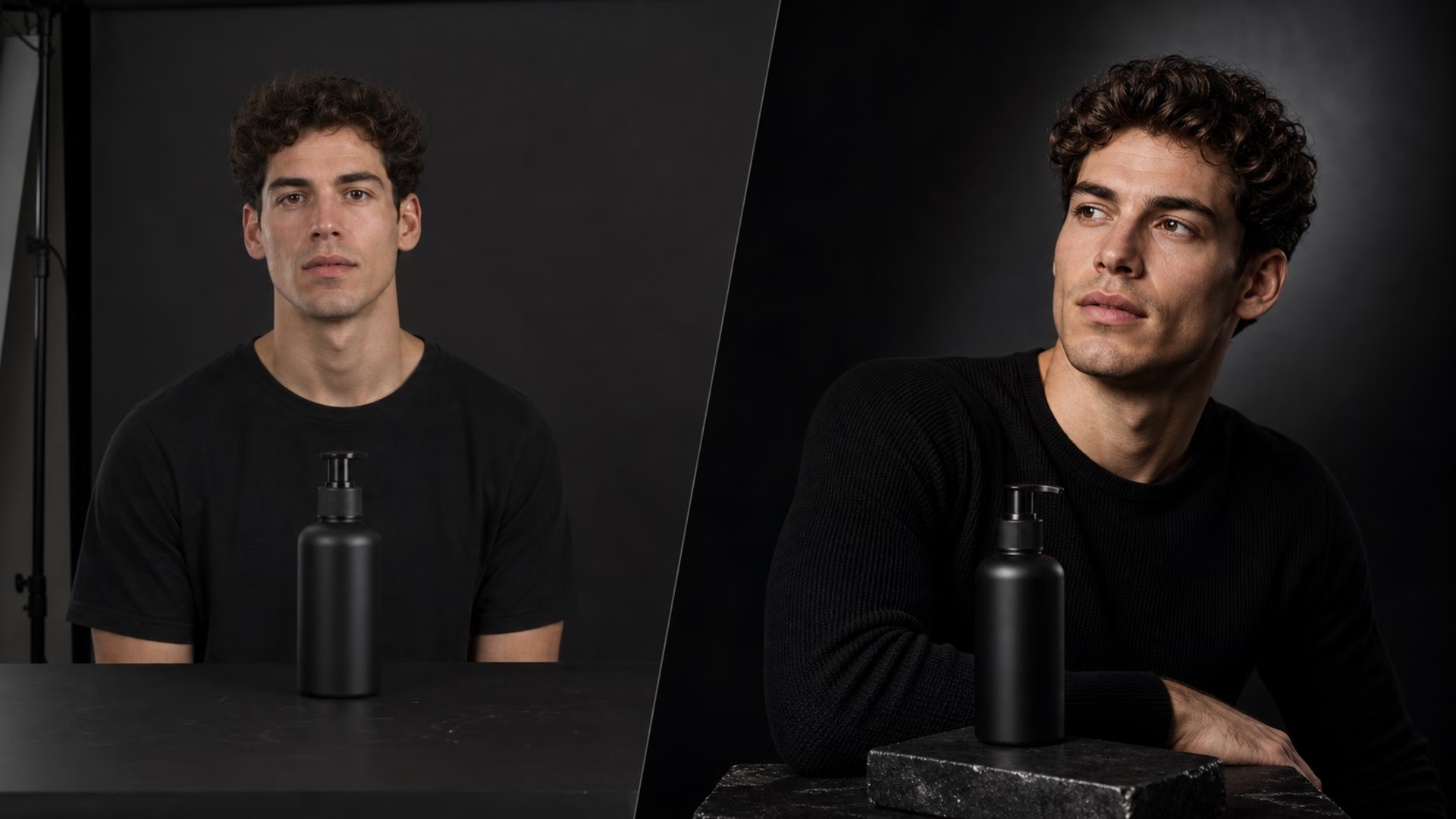
Keep the uploaded person, product, shape, color, and key details recognizable while changing the photoshoot style.
Studio-Ready Lighting
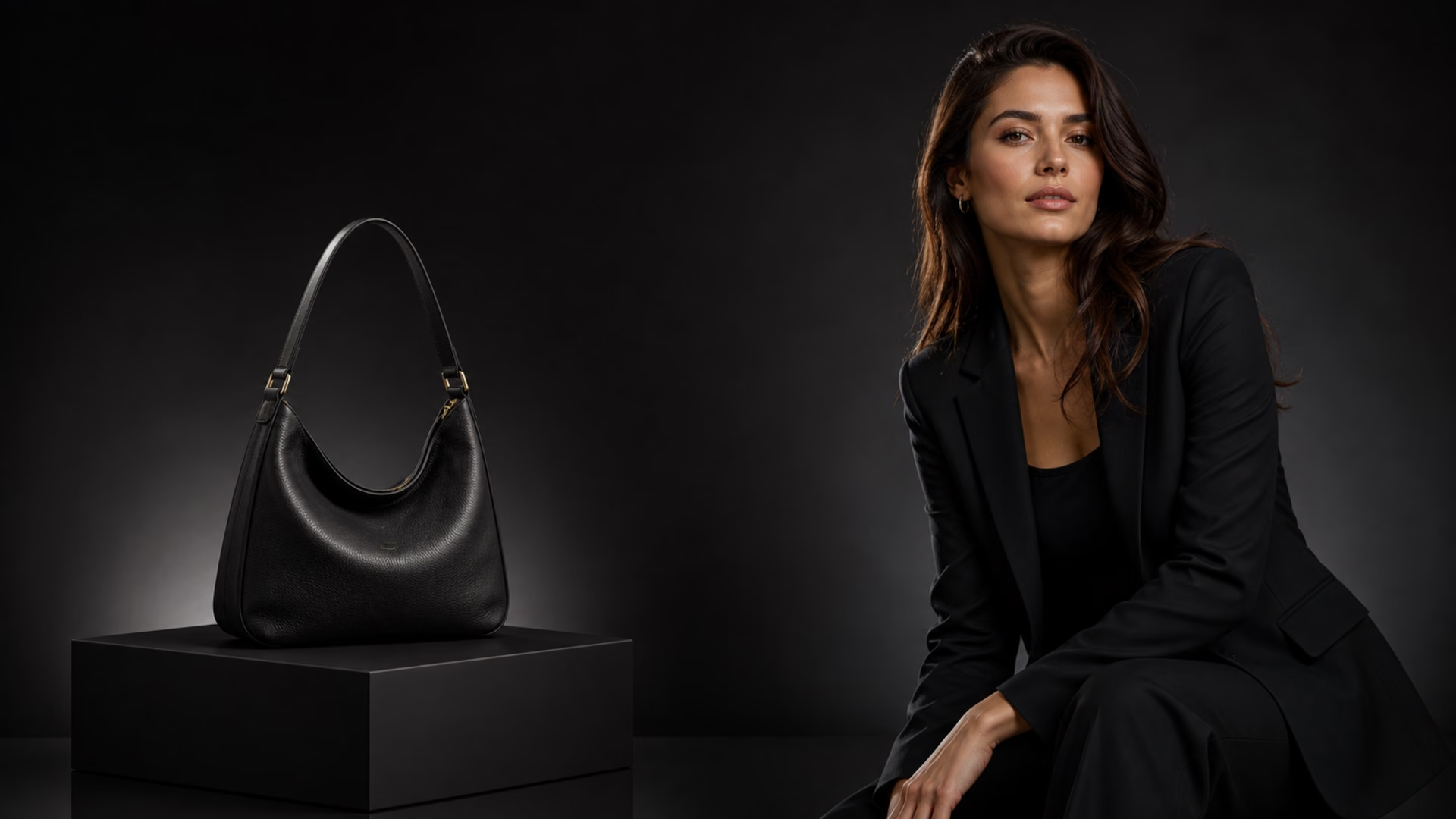
Create polished lighting, clean shadows, and professional backdrop direction without booking a studio.
Product Photo Looks
Turn simple product shots into ecommerce, catalog, campaign, and lifestyle photoshoot visuals.
Portrait and Headshot Styles
Generate clean portraits, profile photos, editorial looks, or creator-ready images from one upload.
Prompt-Controlled Scenes
Describe the background, lens, mood, props, camera angle, and composition for the exact shoot direction.
Fast Creative Variations
Review the result, adjust the prompt, and create new versions for listings, posts, ads, and brand content.
LOCK THE SHOOT DIRECTION
Use a strong result as your visual anchor, then refine lighting, pose, background, and composition without starting over.
CARRY THE STYLE FORWARD
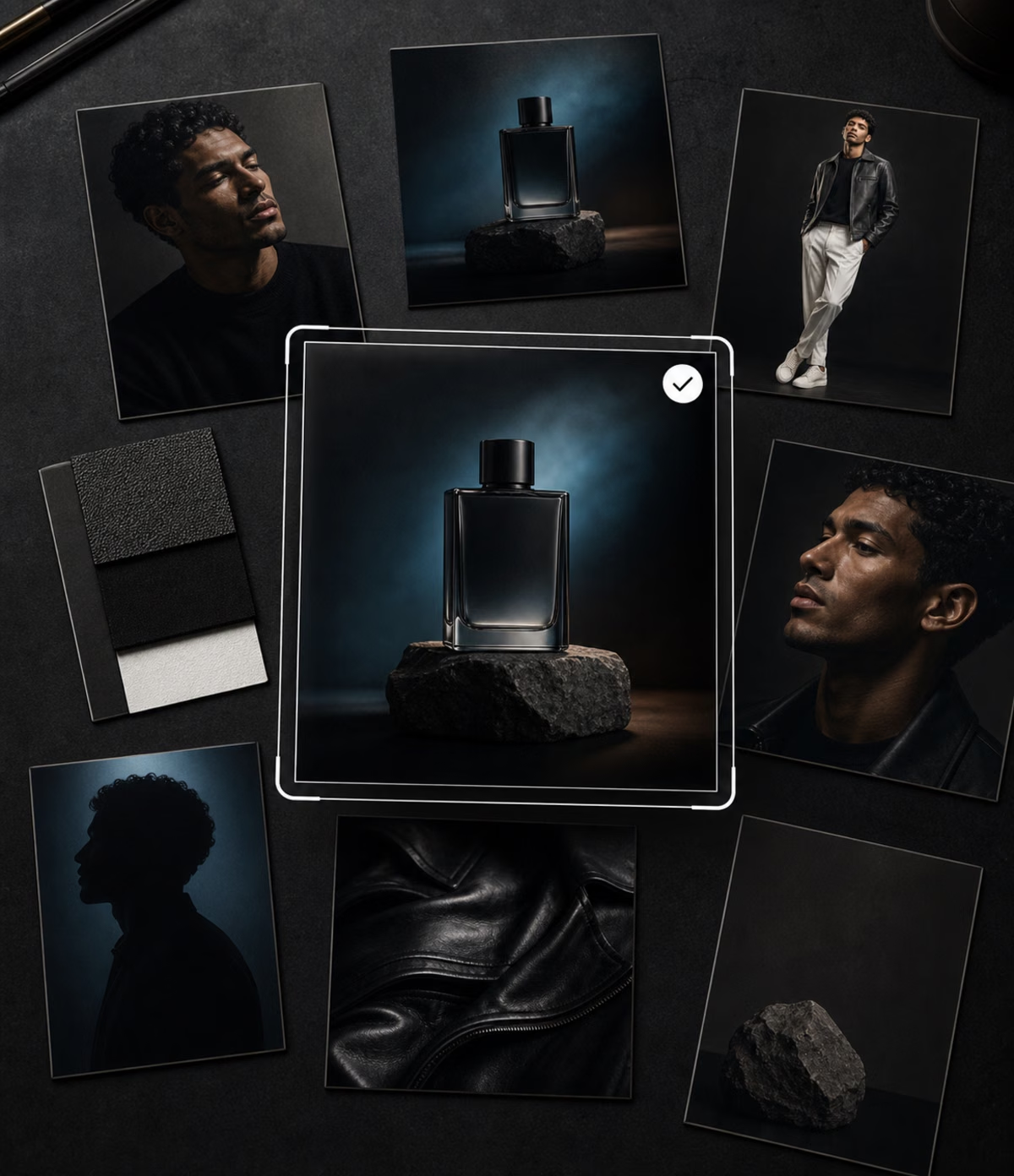
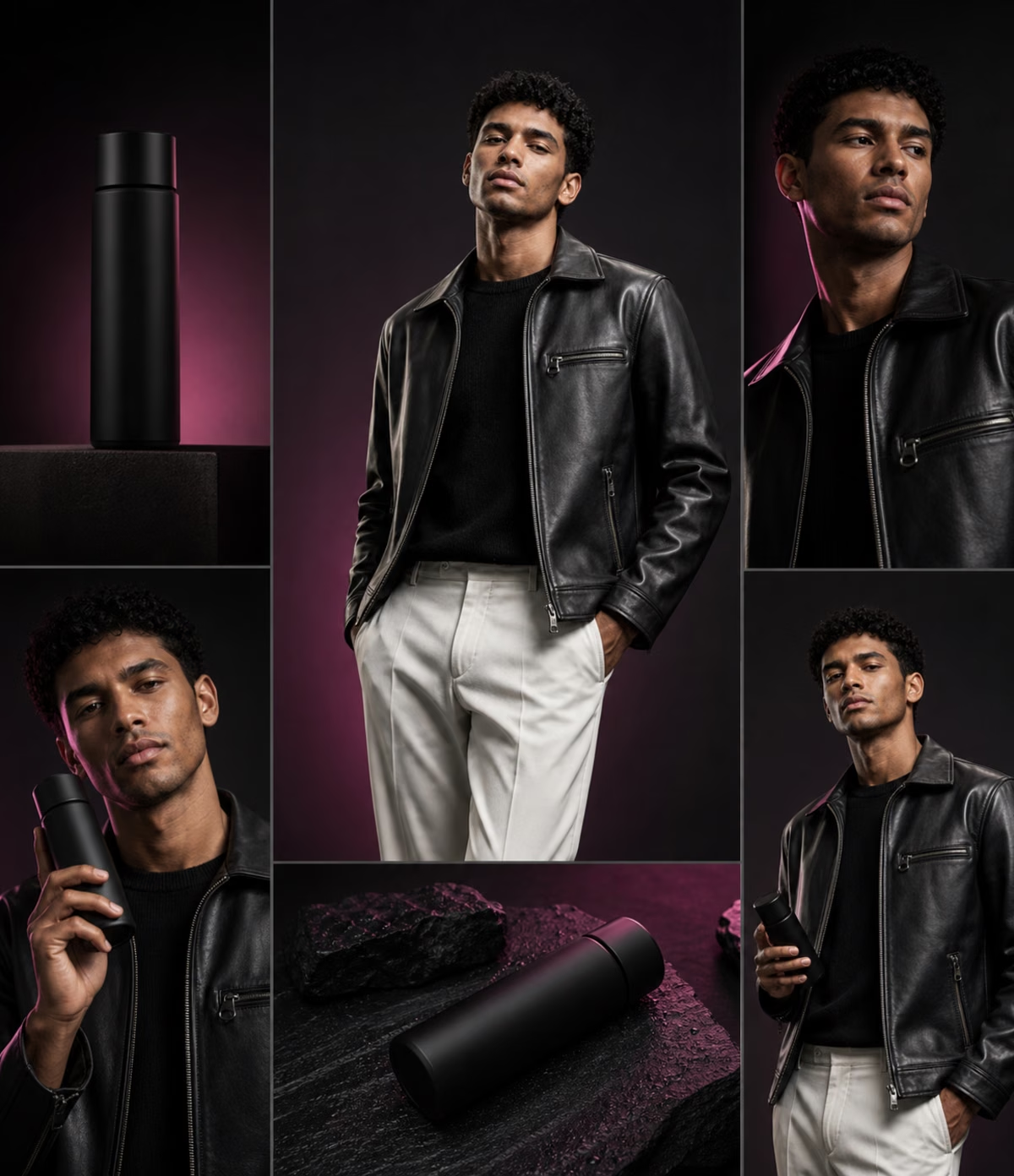
Turn one photoshoot idea into product variants, portrait sets, campaign images, or a consistent social content series.
FINISH WITH PHOTO-READY DETAIL
Refine the final image for cleaner lighting, sharper subject detail, balanced framing, and a polished photoshoot look.
How to Generate AI Photoshoot Images
01
Upload Your Photo or Product
Start with a clear portrait, product shot, or subject image so the AI can preserve the key shape, face, texture, and details.
02
Describe the Shoot Direction
Write the background, lighting, camera angle, mood, props, outfit, or commercial style you want for the photoshoot.
03
Generate and Refine
Create the photoshoot result, review the framing and details, then adjust your prompt for a cleaner final image.
FAQ
An AI photoshoot generator turns a prompt or uploaded image into polished photoshoot-style visuals. You can create portraits, product photos, ecommerce images, lifestyle scenes, and social content without arranging a physical shoot.
Upload a clear person, product, or subject image, describe the background, lighting, camera angle, mood, and style, then generate. You can refine the prompt and create another version until the result fits your direction.
Yes. You can generate clean studio shots, lifestyle product scenes, ecommerce listing images, campaign visuals, and consistent product photo directions from a simple product image or prompt.
Yes. You can create profile photos, editorial portraits, creator images, professional headshots, and social-ready portraits. A clear uploaded face or subject image helps the AI preserve key details.
The tool is designed to keep the uploaded person, product shape, color, texture, and key details recognizable while changing the photoshoot style, background, lighting, or composition.
Strong prompts describe the subject, setting, lighting, lens feel, background, mood, color palette, and final use. For example, ask for a clean studio product photo with soft shadows or a professional portrait with warm editorial lighting.
Yes. 1008.ai offers trial credits so you can start generating AI photoshoot images before upgrading. More credits are available if you need additional generations or larger creative workflows.
Yes. You can use generated photoshoot images for product concepts, ecommerce drafts, social posts, profile visuals, ads, moodboards, and creative planning. Always review the final output before public or commercial use.