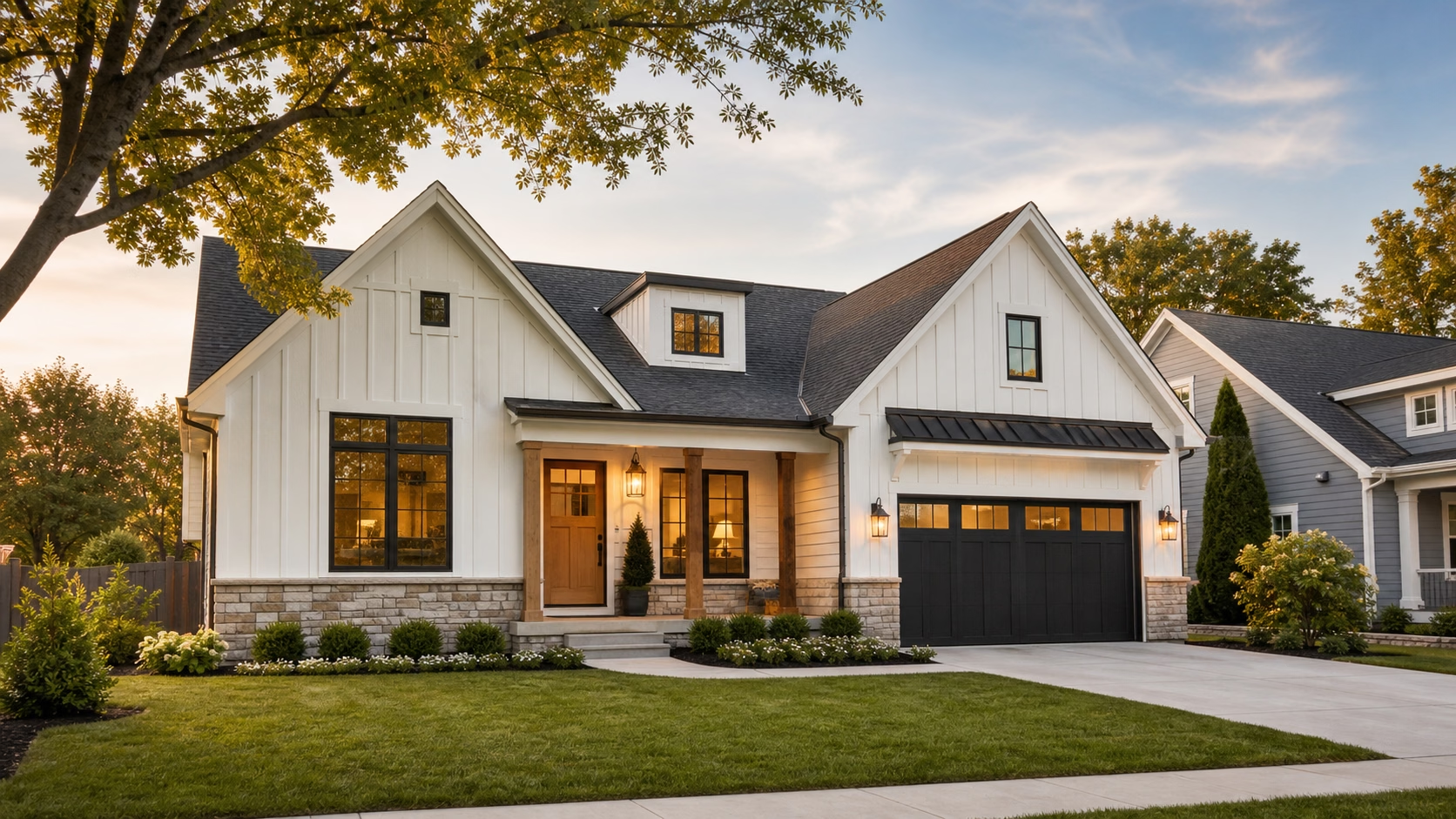
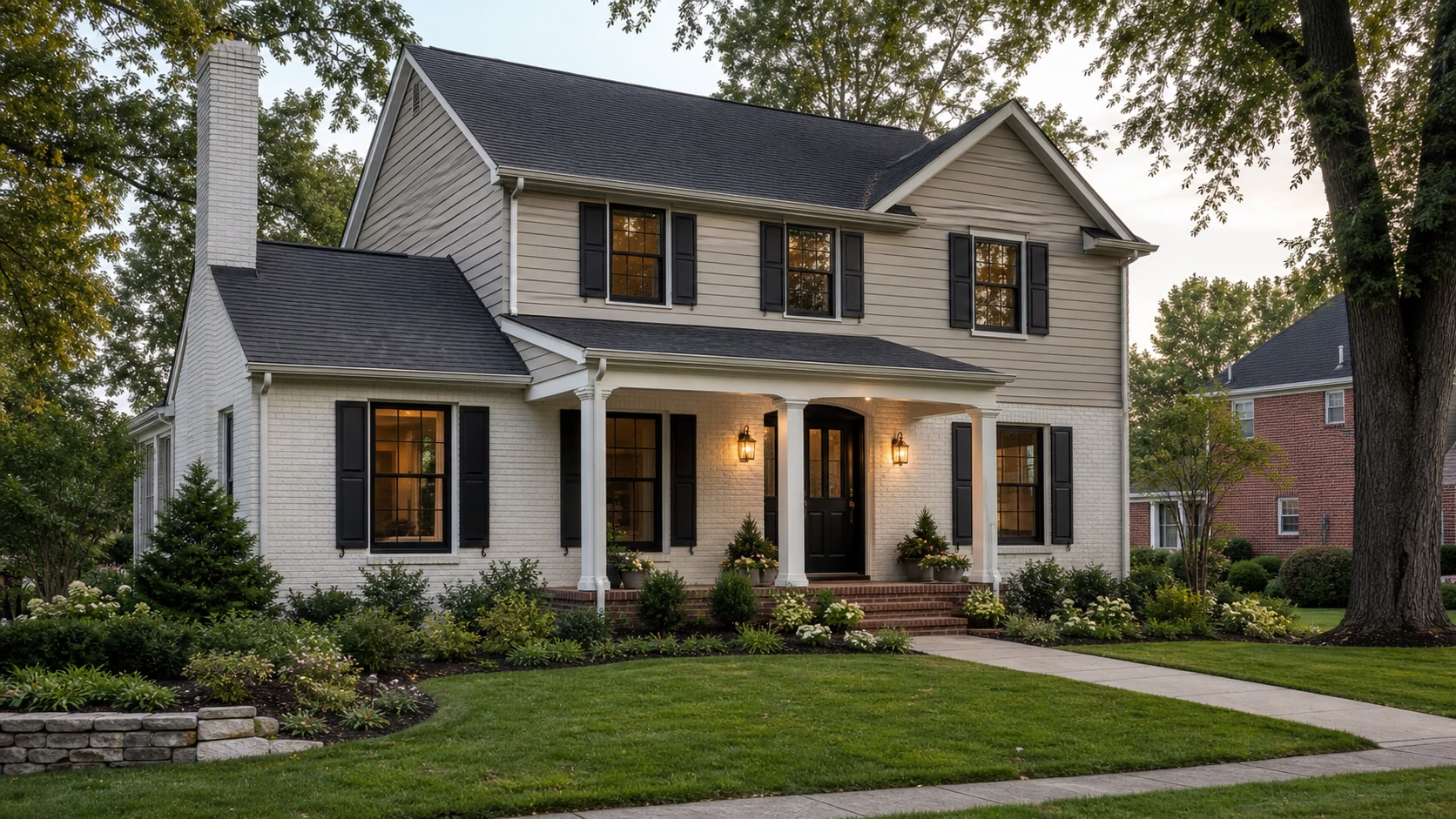
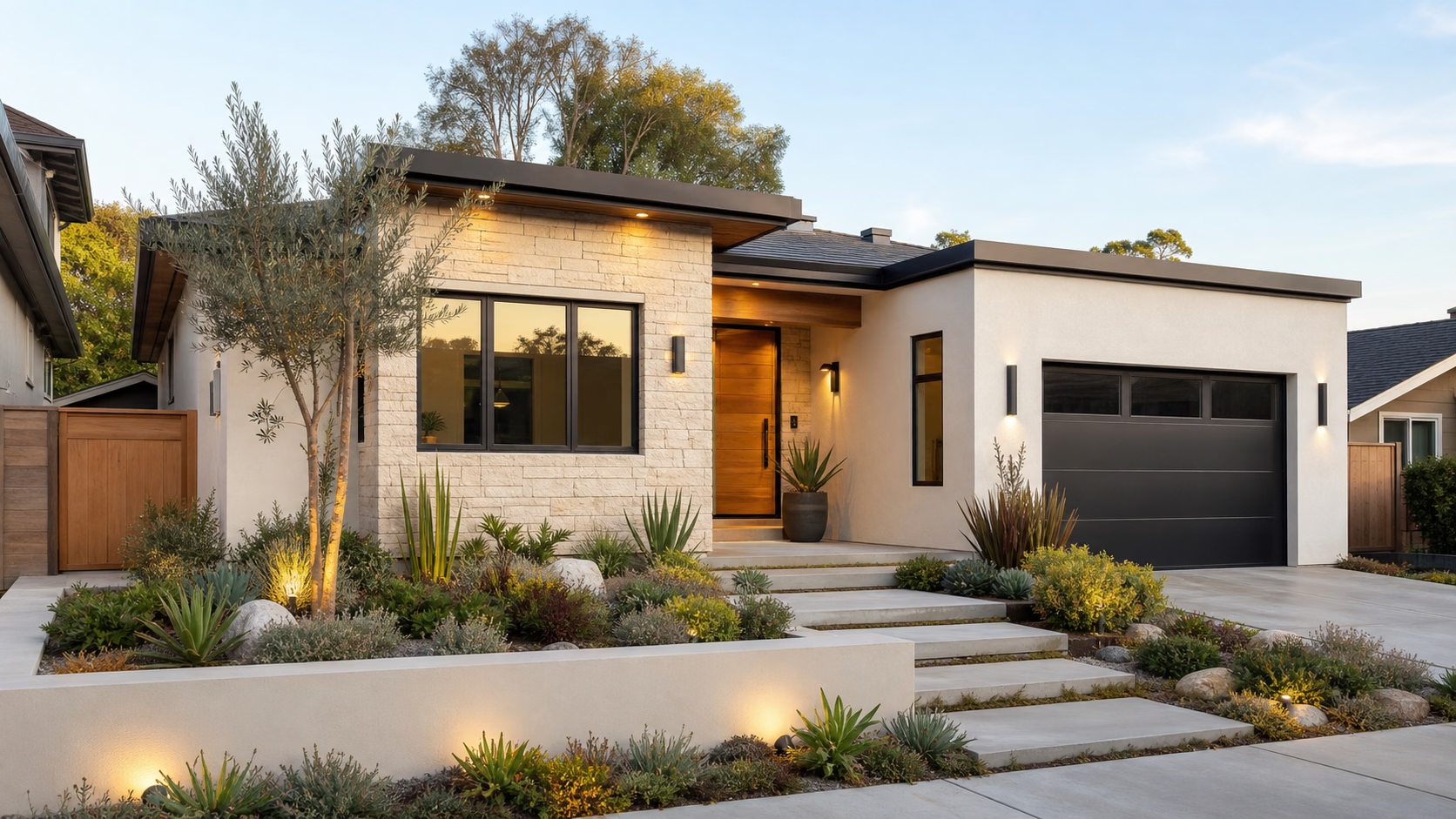
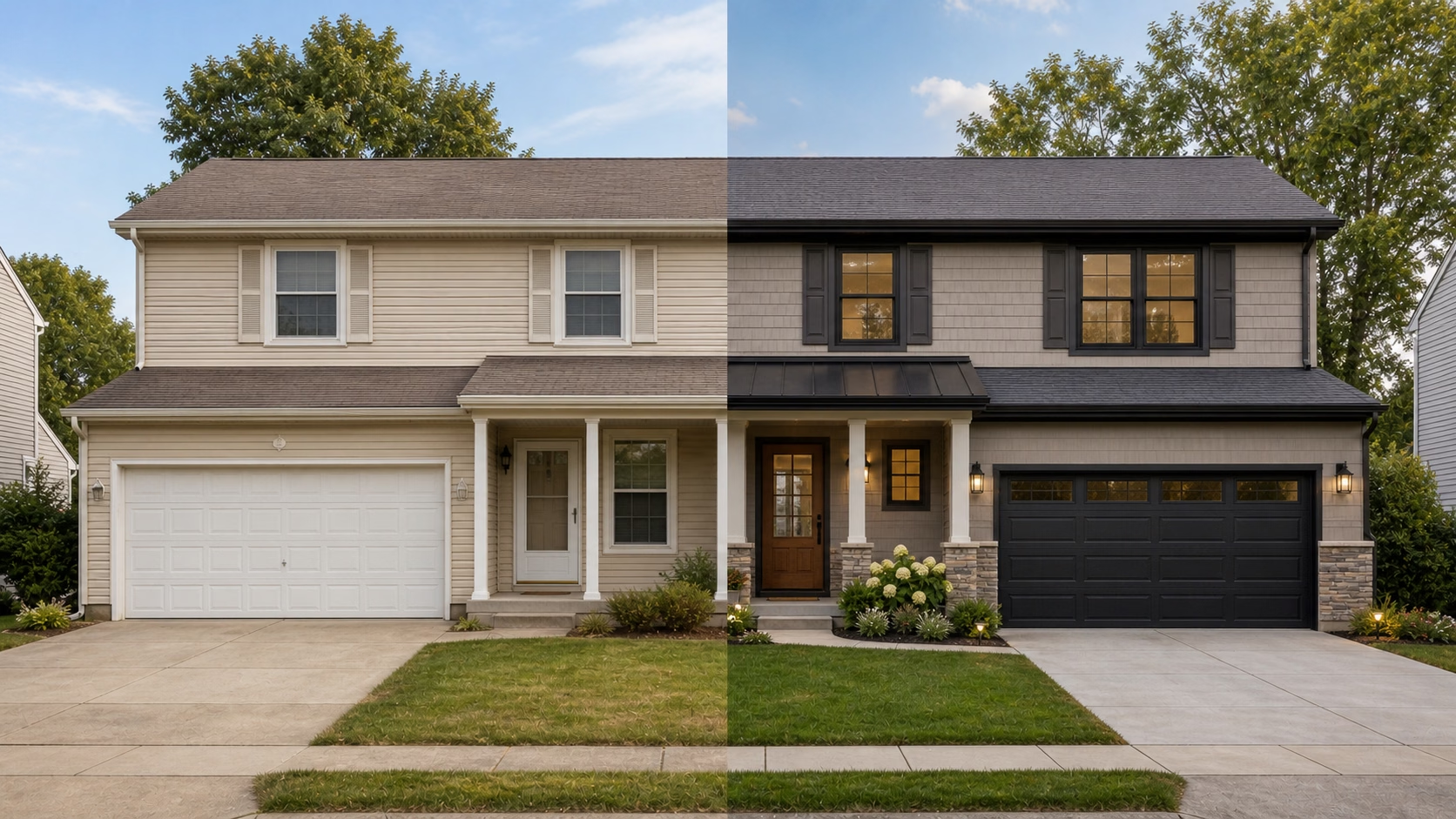
Add a clear front view photo, or describe the facade, entryway, exterior colors, and materials you want to change.
02
Set the Exterior Direction
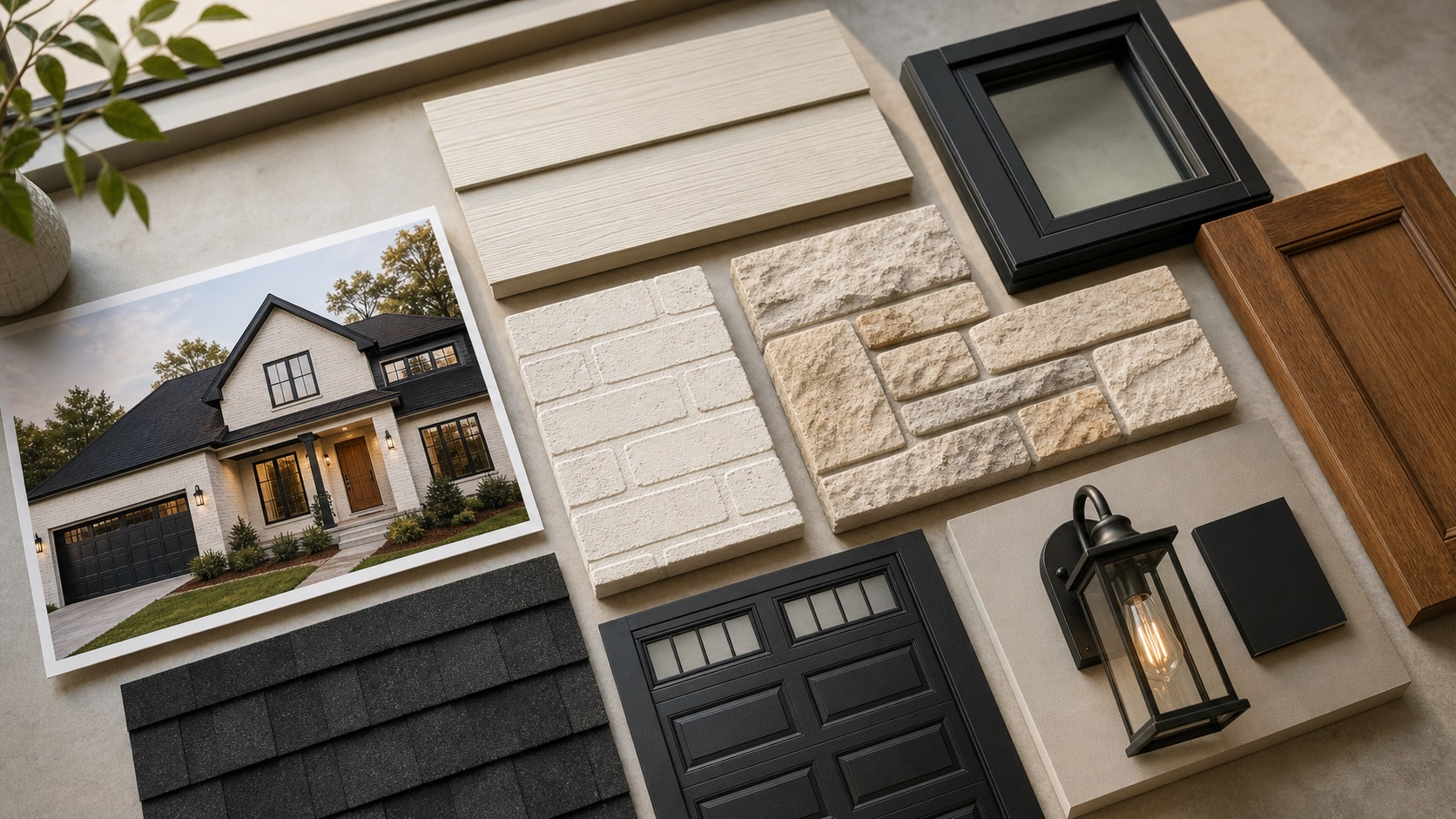
Guide the AI with style, siding, roof color, trim, lighting, garage door, and curb appeal details.
03
Generate and Refine
Create a design concept, review the result, then adjust the prompt until the exterior feels right.
FAQ
An AI home exterior design generator creates exterior redesign ideas from a prompt or reference image. You can explore facades, materials, colors, entryways, windows, garage doors, and lighting before choosing a direction.
Upload a clear front view of your home or describe the exterior changes you want, then generate a concept. You can refine the prompt and create another version until the exterior direction feels right.
Yes. A clear exterior photo helps the AI preserve the home structure while exploring updated materials, colors, entry details, and curb appeal.
You can guide siding, stone, brick, paint colors, roof color, trim, front door, porch, garage door, windows, and outdoor lighting.
No. This page focuses on the house exterior itself. AI landscape design focuses more on yards, gardens, patios, planting, and outdoor space planning.
Yes. The generated images are useful for visual direction, moodboards, and discussions with designers or contractors. Final construction details should still be reviewed by a professional.
Yes. 1008.ai offers trial credits so you can start generating home exterior design ideas before upgrading. More credits are available if you need additional generations.
Free AI Home Exterior Design Generator | Exterior Redesign Online | 1008.ai