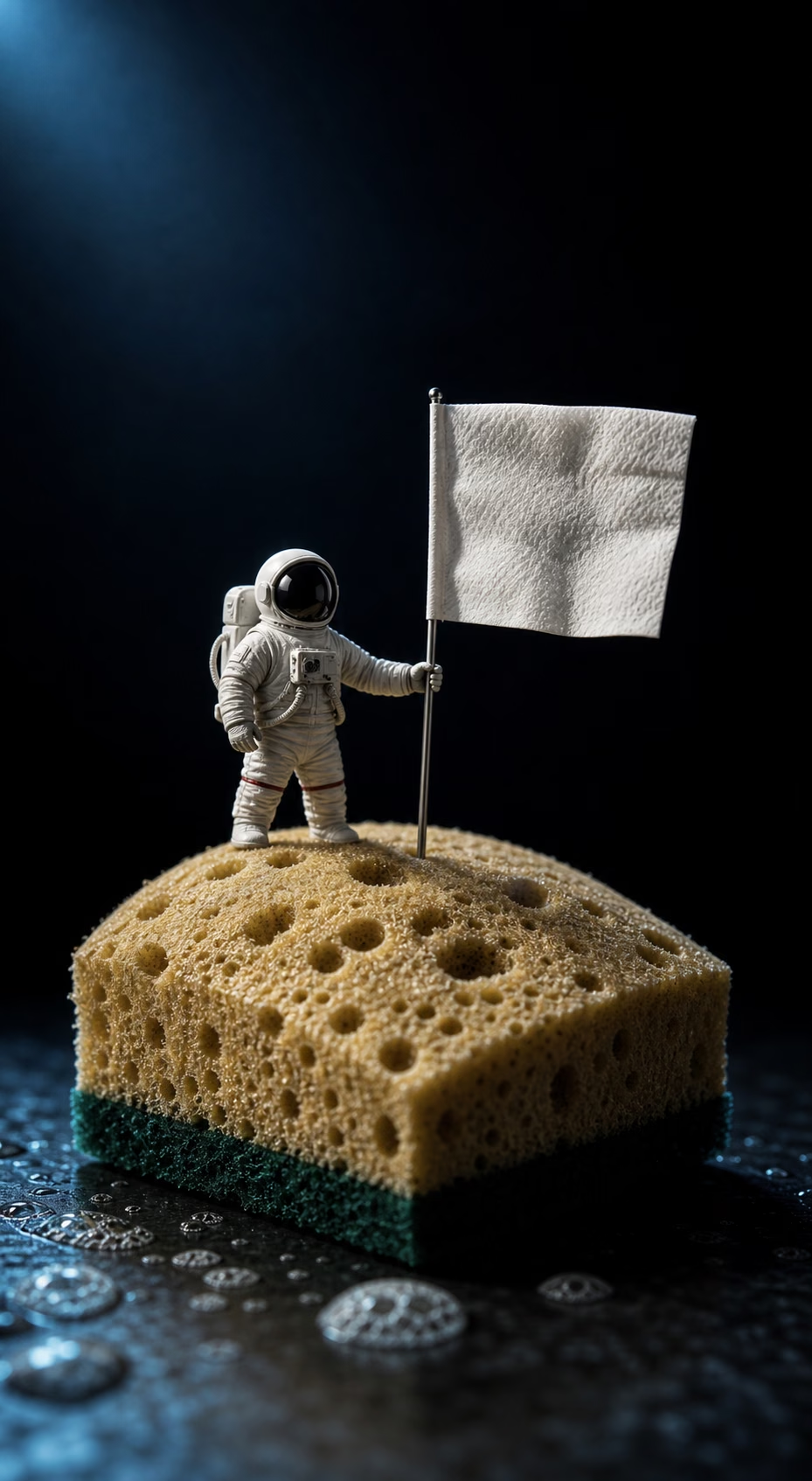
Create Funny AI Images for Memes, Posts, and Reactions
Describe the setup, the twist, and the visual style. 1008.ai turns your idea into a polished funny image for memes, social posts, group chats, and reaction content.
Why use 1008.ai's online Funny AI Image Generator?
Meme-Ready Ideas
Turn a simple setup, caption, or inside joke into an image made for comments, chats, and meme pages.
Prompt-Guided Humor
Control the subject, punchline, visual style, and mood so the result matches the joke you have in mind.
Expressive Reactions
Create funny faces, dramatic poses, and reaction-style scenes that still stay clear and readable.
Absurd Scene Builder
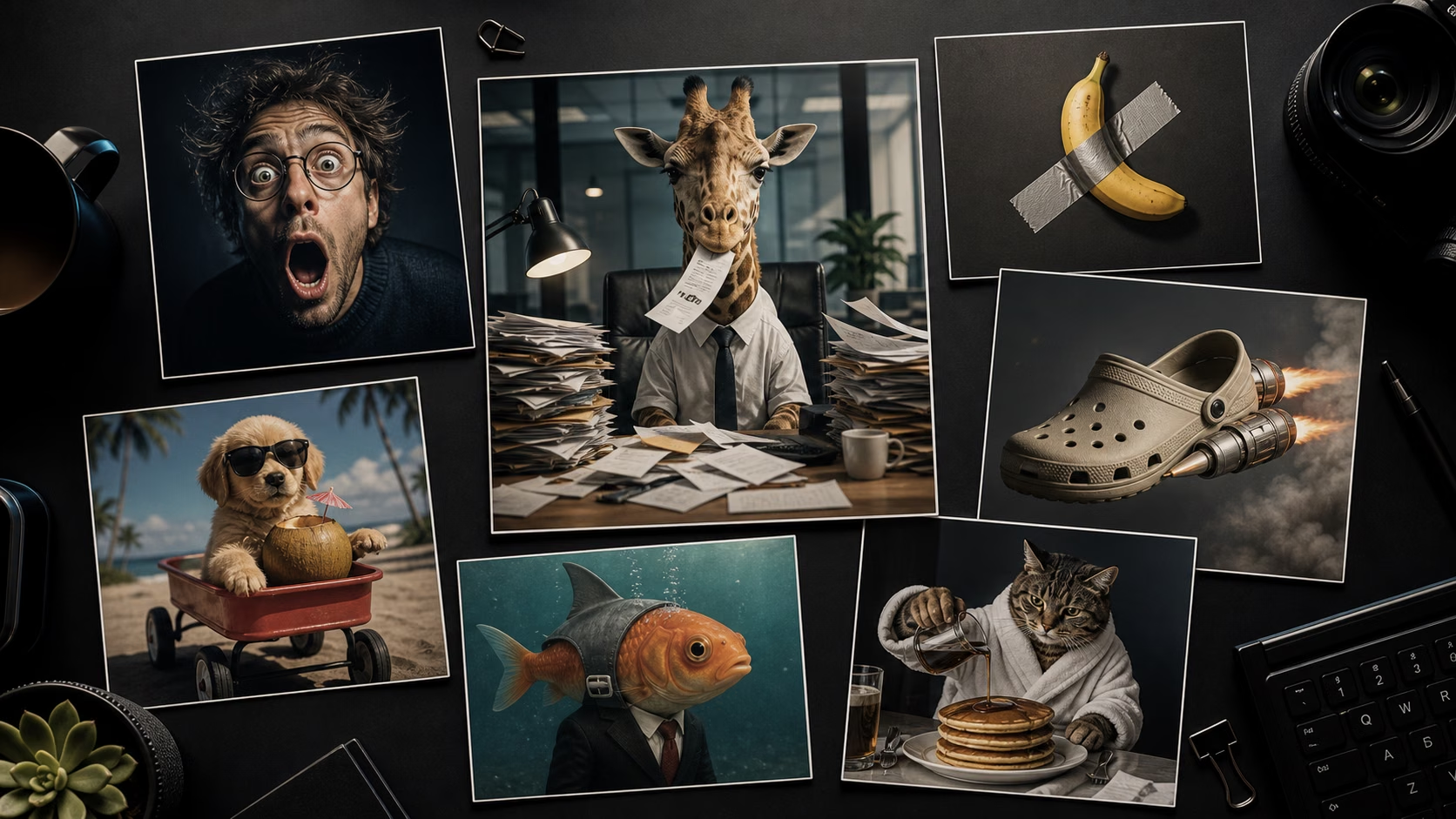
Mix ordinary people, products, animals, or places with unexpected situations for stronger visual contrast.
Social-Ready Results
Generate funny images for posts, thumbnails, stickers, group chats, and short-form content ideas.
Preview and Retry
Review the result, adjust the prompt, and generate a cleaner or funnier version when the first take is close.
Set the Joke
Use a strong funny result as your visual anchor, then refine the subject, caption, expression, and style without starting over.
Remix It
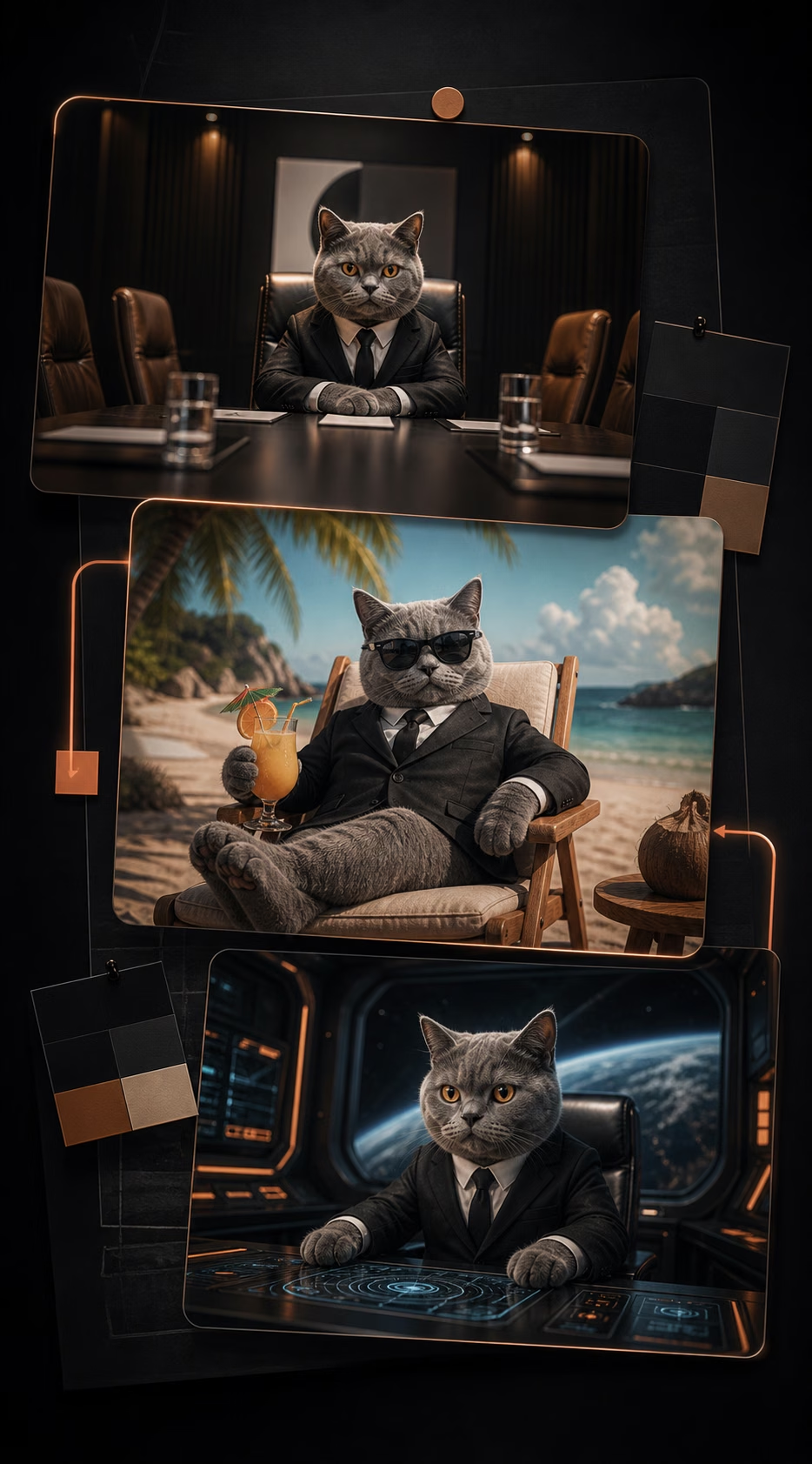
Carry the same joke into new settings, characters, reaction formats, stickers, thumbnails, or social post ideas.
Share Ready
Refine the final image for cleaner composition, sharper expression, readable text space, and a post-ready result.
How to Generate Funny AI Images
01
Choose the Joke Direction
Describe the subject, situation, reaction, caption idea, mood, and visual style you want in the funny image.
02
Add Prompt or Reference Images
Upload a reference image when you want a specific person, pose, object, or scene style, or write a prompt from scratch.
03
Generate and Refine
Create the funny image, review the result, then adjust the prompt, expression, composition, or details until it feels right.
FAQ
A funny AI image generator creates humorous images from prompts, reference images, or scene ideas. You can describe the subject, joke, expression, style, and caption direction, then generate a share-ready funny image.
Open the generator, write a prompt describing the joke or scene, upload a reference image if needed, choose ratio and resolution, then generate. You can refine the prompt and create another version until the image feels funnier.
Yes. Upload a reference image when you want to use a specific person, pose, object, product, pet, or scene as the starting point for a funny image.
You can create memes, reaction images, exaggerated portraits, funny product concepts, social posts, group chat images, sticker ideas, thumbnails, and playful creator content.
Describe the setup, the subject, the visual twist, the expression, the style, and where the image will be used. Short, specific prompts usually work better than vague joke ideas.
Yes. 1008.ai offers trial credits so you can start generating funny AI images before upgrading. More credits are available if you need additional generations.
Yes. You can use generated funny images for social posts, memes, comments, group chats, thumbnails, and content drafts. Always review the final result before publishing.
Funny AI Generated Images | Free AI Image Generator | 1008.ai