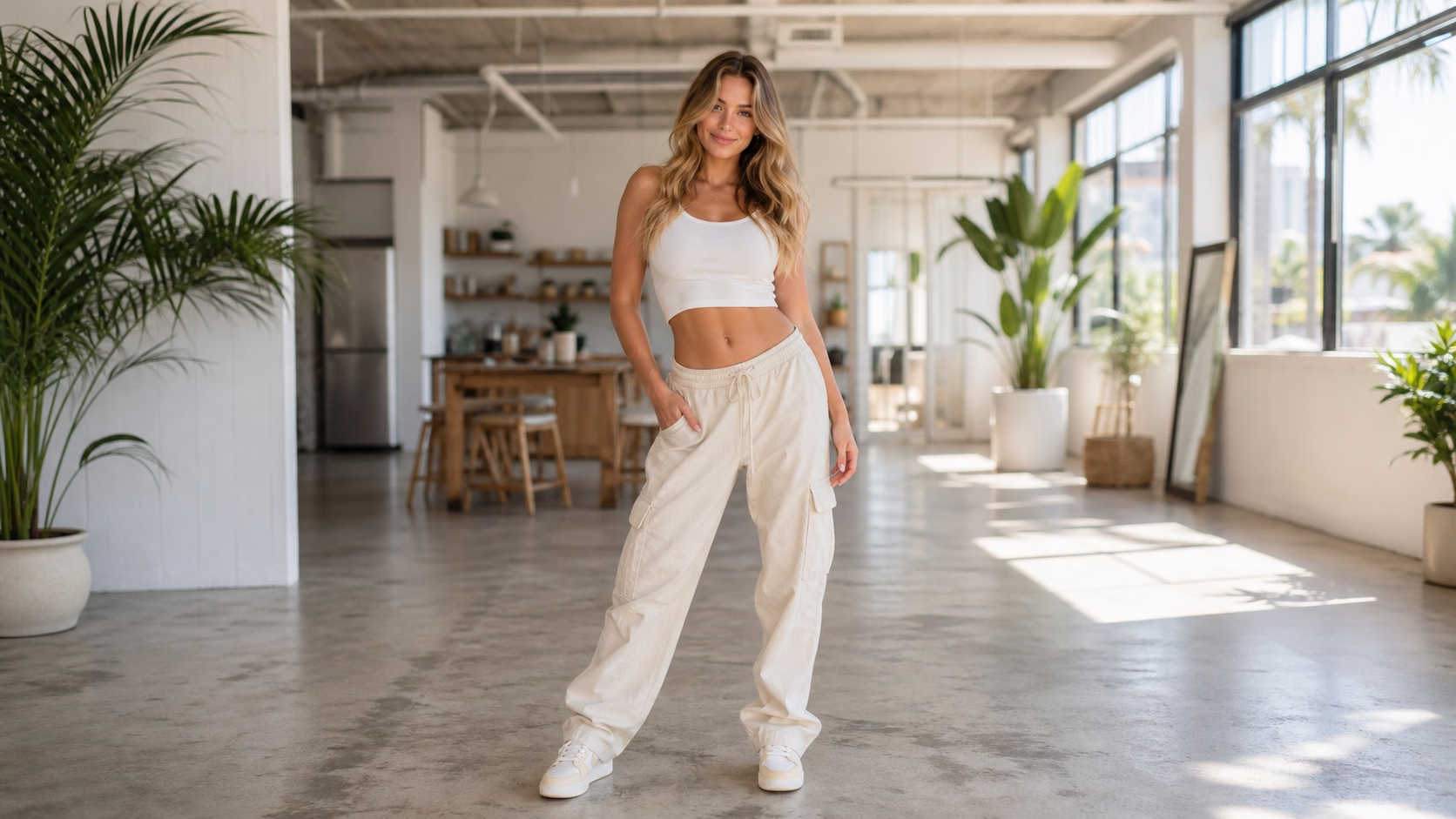
Pick the dance style, mood, body movement, and camera direction you want for the video.
02
Add a Prompt or Person Image
Upload a person image when you want identity preserved, or write a prompt to define the dance scene.
03
Generate and Refine
Create the dance video, review the result, then adjust the prompt, motion, or framing for another version.
FAQ
An AI dance generator creates short dance videos from a prompt, an uploaded image, or a visual direction. You describe the dancer, movement, camera, mood, and style, then generate a motion result.
Open the generator, upload a reference image if needed, describe the dance movement and style, then generate. You can refine the prompt and create another version until the motion feels right.
Yes. A clear full-body or half-body image helps guide the subject, outfit, pose, and framing. Use sharp photos with visible body position when you want more stable dance motion.
Yes. You can generate from a written prompt alone. Describe the dancer, music feel, dance style, camera movement, scene, and energy so the output has clearer direction.
You can create pop dance, hip-hop moves, K-pop style choreography, party clips, fashion runway motion, social dance videos, and playful creator edits for short-form content.
Yes. 1008.ai offers trial credits so you can start generating AI dance videos before upgrading. More credits are available if you need additional generations.
Yes. You can use generated dance videos for social posts, edits, music previews, creator content, ads, and campaign drafts. Always review the final output before publishing.
AI Dance Generator | Turn Photos Into Dance Videos | 1008.ai